Mobile app · iOS
Wayback
A privacy-first iPhone app that rebuilds where you have been from the dates and locations in your photos, and plays your travels back on a map.
The brief
Your photo library already knows where you have been, but that history is scattered across thousands of pictures. Wayback had to turn it into trips you can replay, without an account, uploads or tracking.
The approach
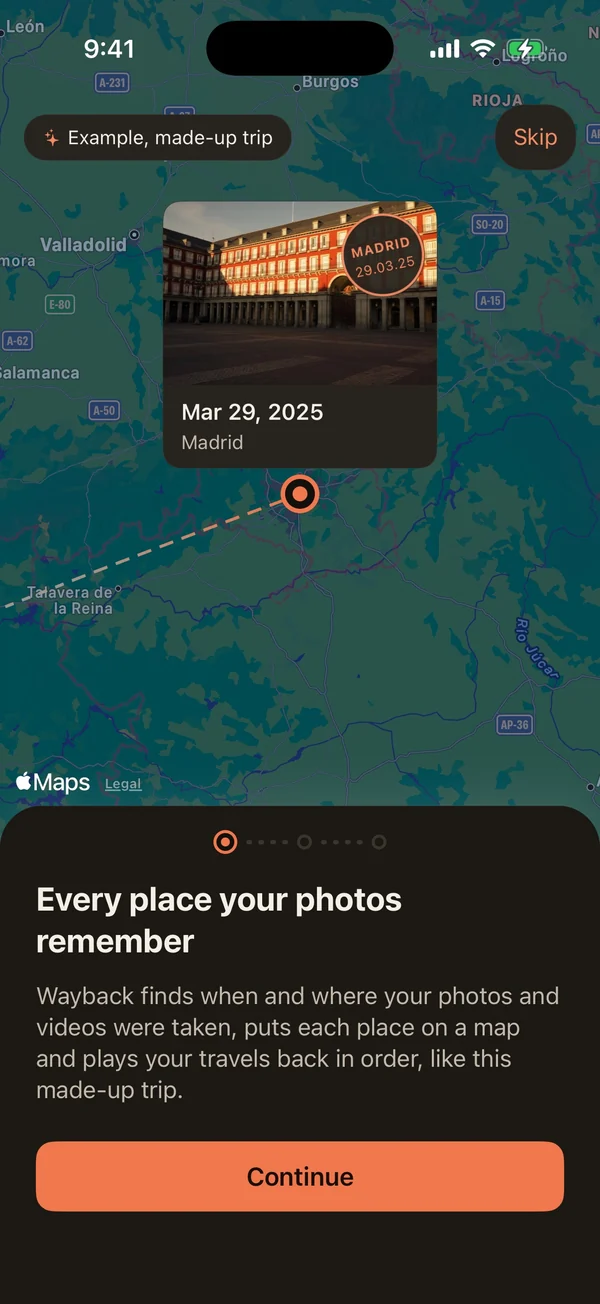
- A first launch that shows instead of tells: a made-up sample trip plays on the map behind three short pages, and nothing is read from the library until you say so.
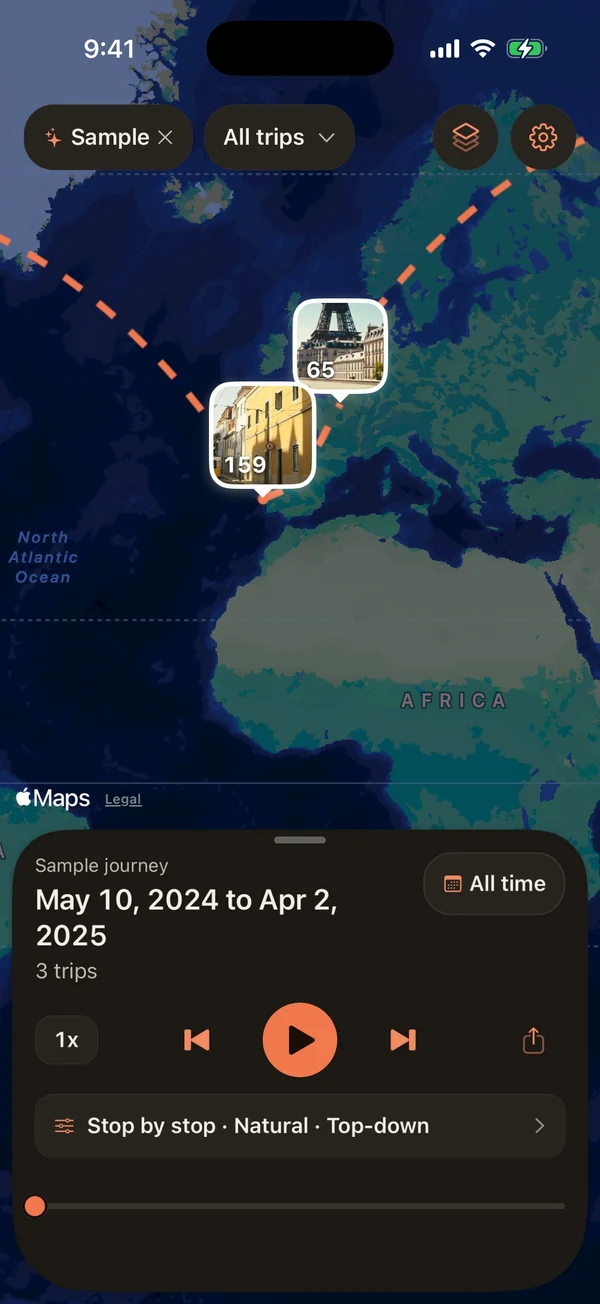
- One map home and one persistent sheet with three heights, no tab bar: places appear as photo tiles and trips play back stop by stop.
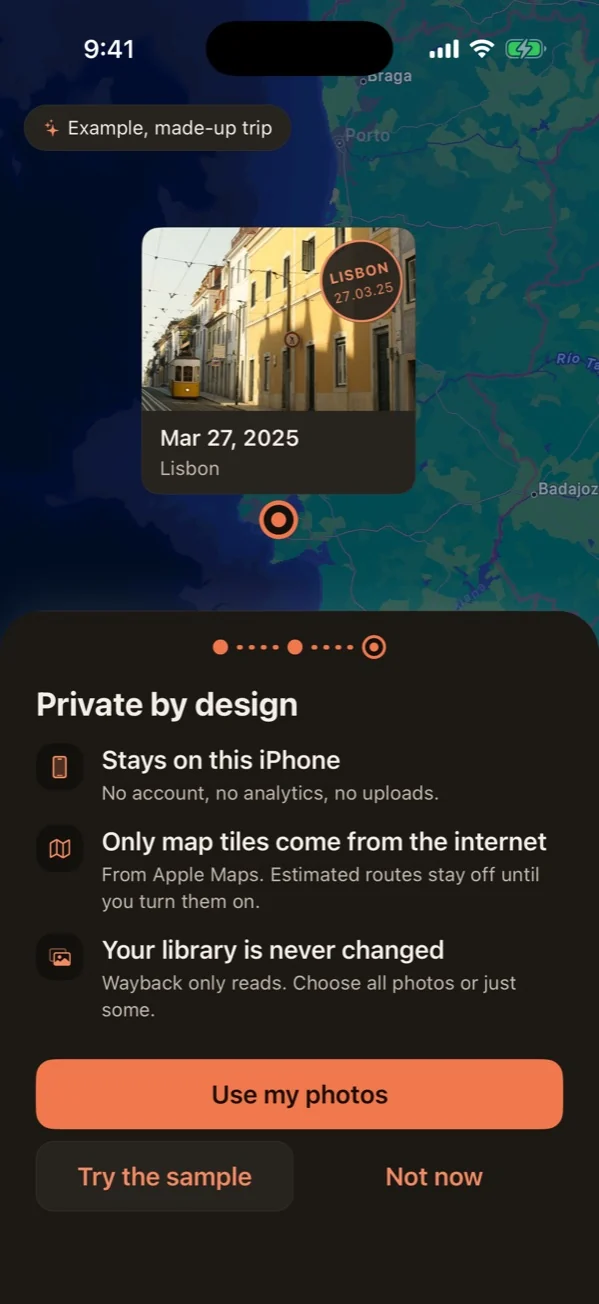
- Everything stays on the phone: no account, no analytics, no uploads. Only map tiles, and road routes when turned on, use the network.
- Honest by design: lines connect stops in time order, routes are labelled as estimates, and planes only appear on likely flights.
- A review flow for what photos get wrong, postcard sharing, and checks for dark mode, the largest text sizes and the iPhone SE screen.
The outcome
In development toward a public beta, with every screen documented in a UI and UX reference. The redesigned onboarding with a live sample trip is the latest addition.
The screens
-
1Onboarding: a made-up sample trip plays on the real map behind the card, with a postcard at every stop. -
2Private by design: no account, no analytics, no uploads, and the photo library is never changed. -
3The sample journey on the map: places as photo tiles, trips joined by dashed arcs. -
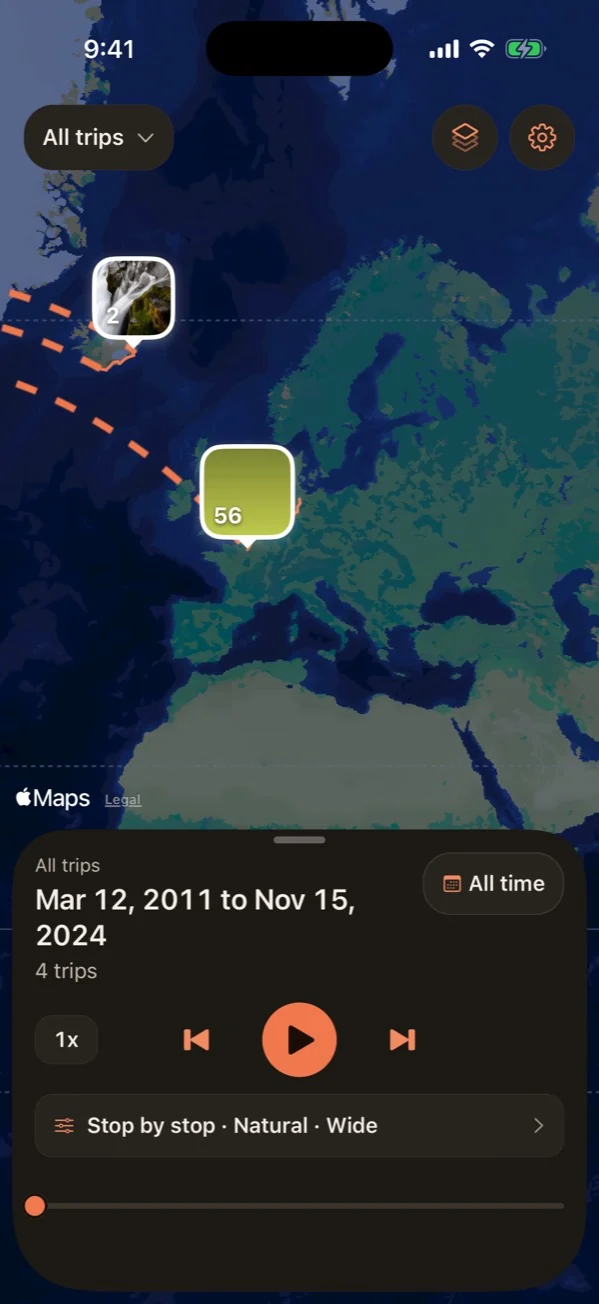
4Home with a real library: one full-screen map, places as photo tiles, trips played back in order. -
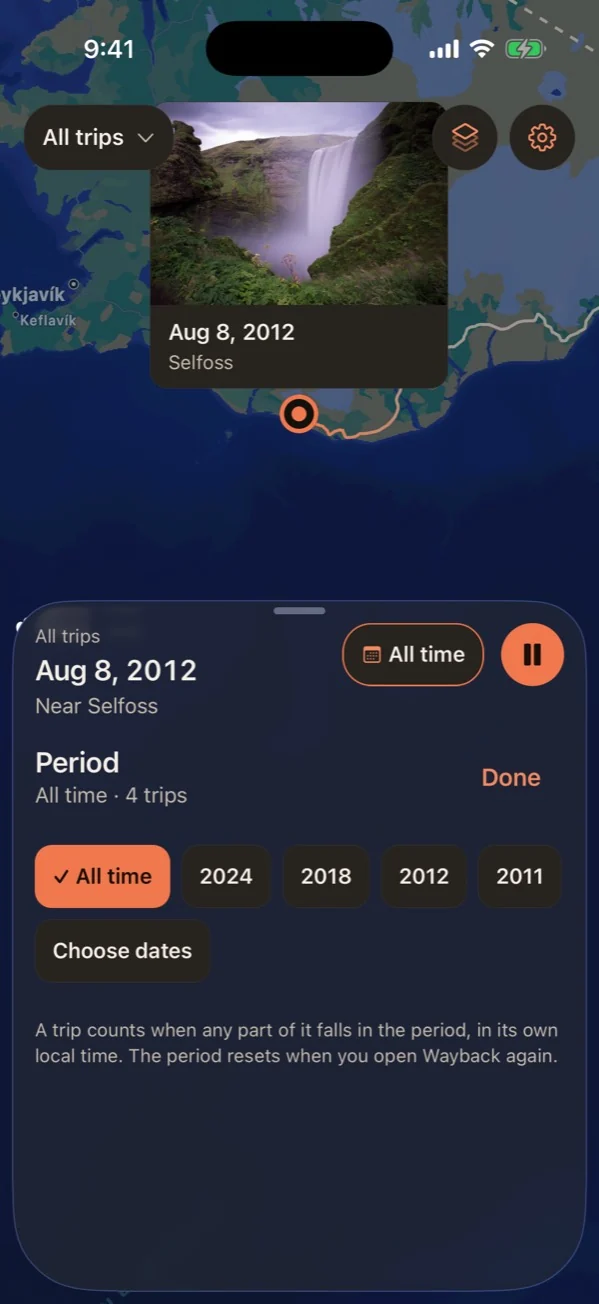
5Playback: each stop's photo appears as a postcard on the map. -
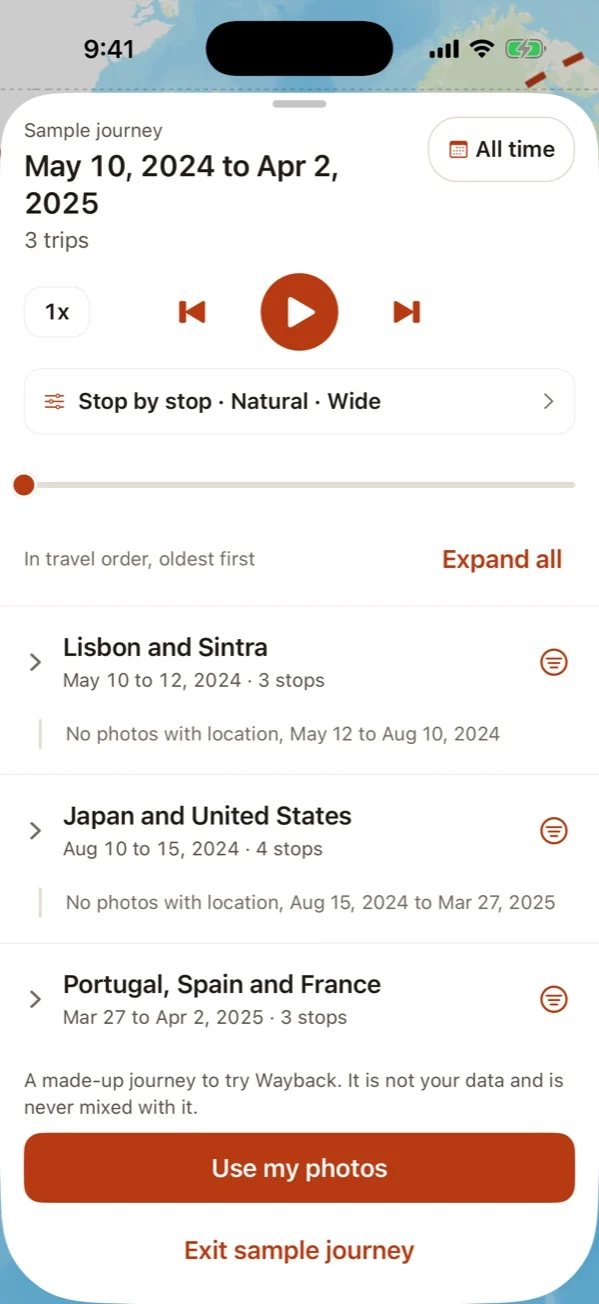
6The timeline, with stops grouped into trips in travel order. -
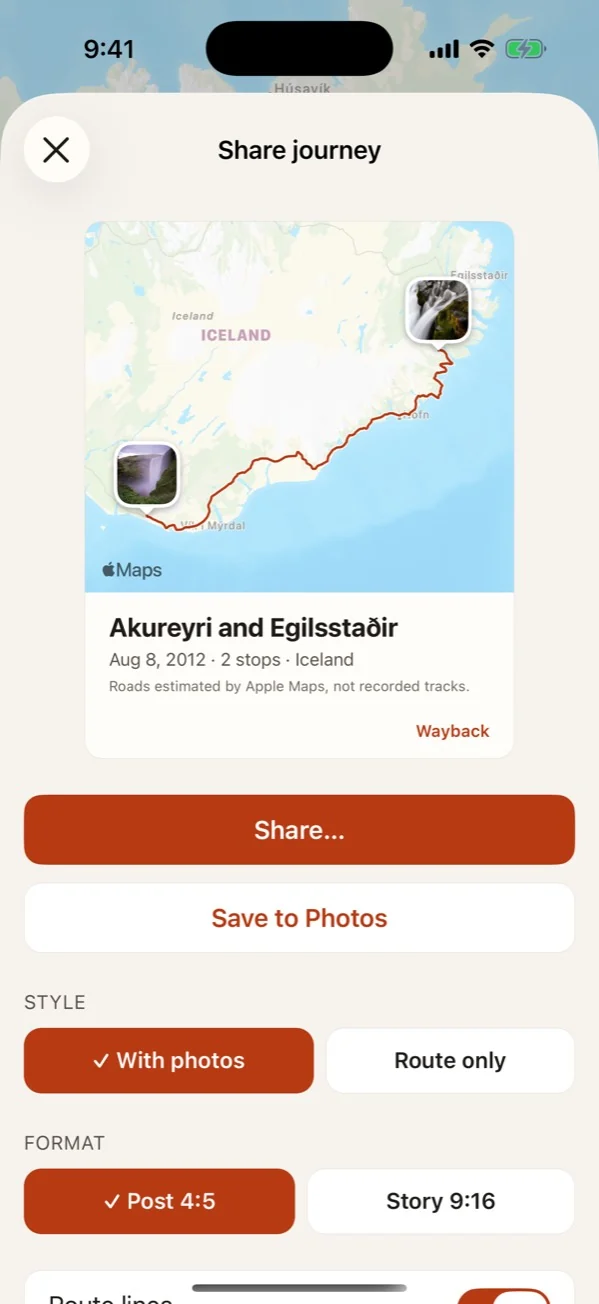
7Share journey: a postcard image of a trip, with photos or route only. -
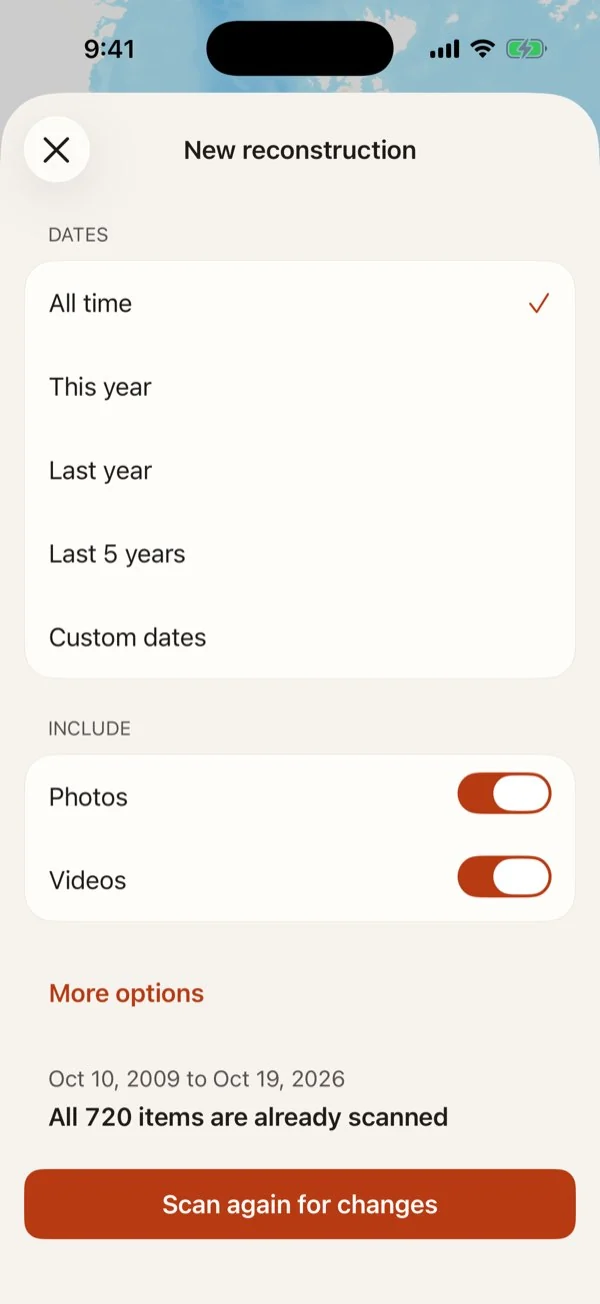
8New reconstruction: choose the dates and what to include.